Registering as an Assistant Coach after being invited
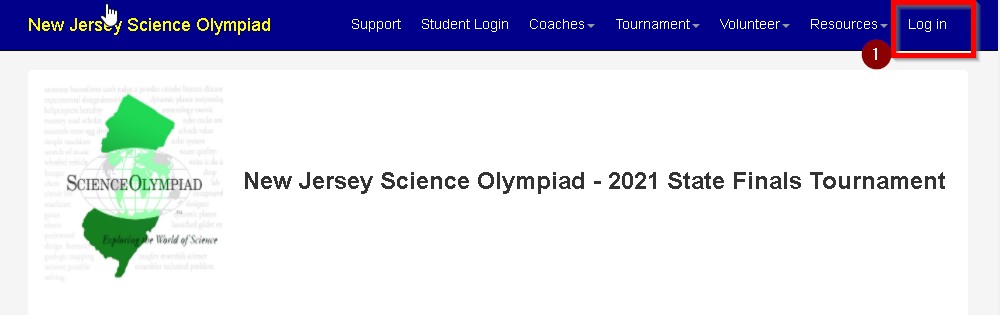
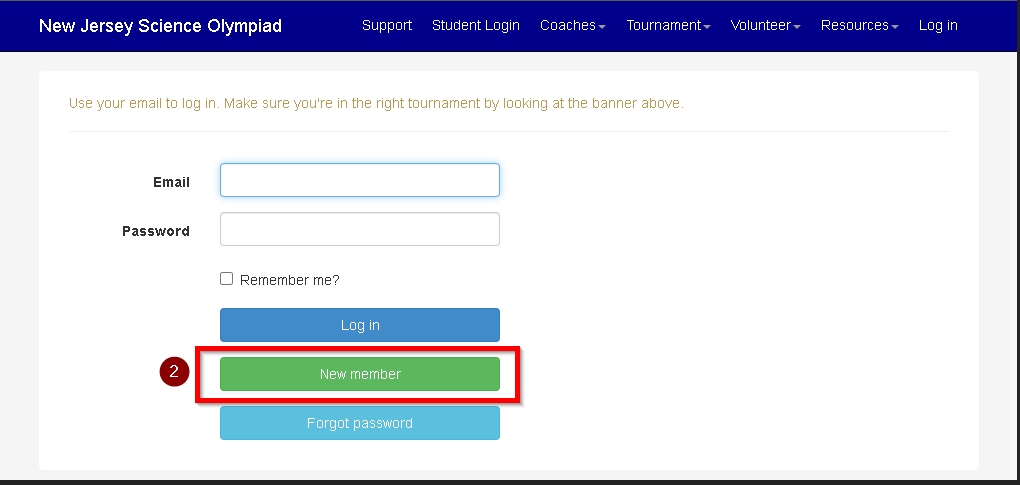
These instructions assume that you do not already have an existing Scilympiad.com account. If you already have an account, use it when prompted. Creating a second account is not necessary


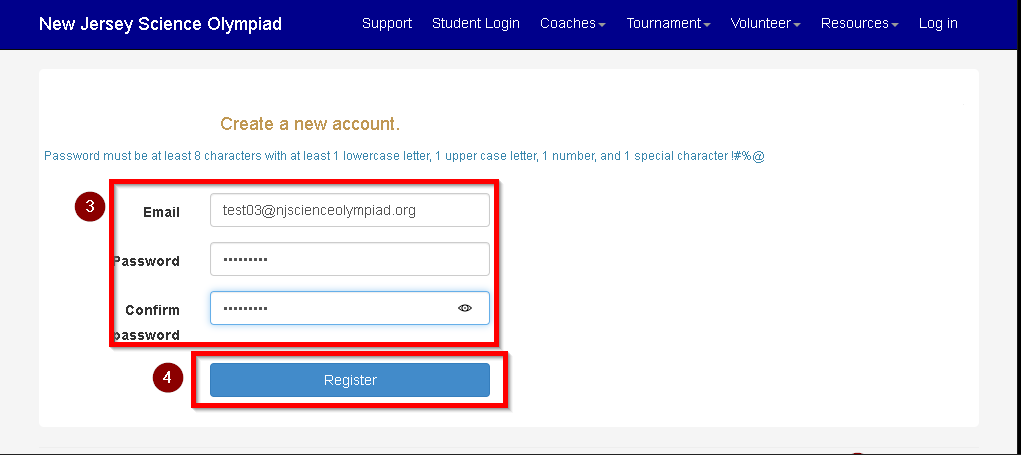
- Enter Email Address and select a password (#3). The Email Address needs to match the address that the Head Coach invited
- Click 'Register' (#4)

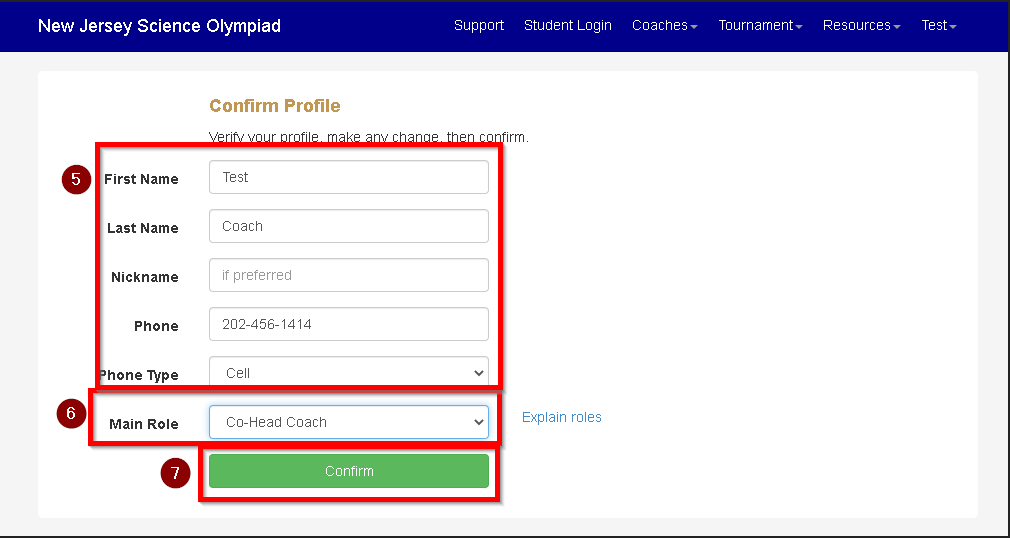
- Confirm your details and update them if necessary (#5)
- Select Main Role of "Co-Head Coach" (#6)
- Click 'Confirm' (#7)

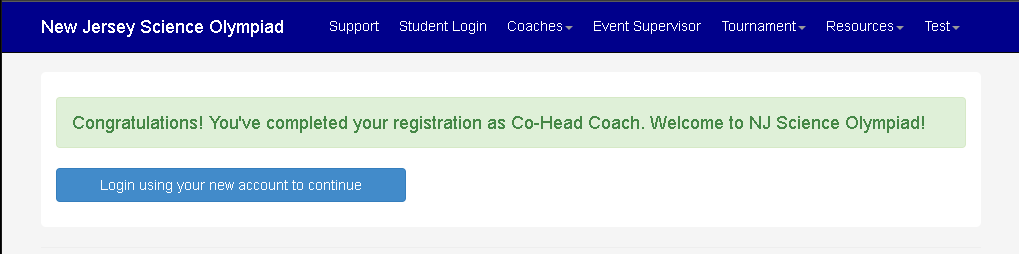
- You are now registered as an Assistant Coach. Log into the system with your Email Address and Password. You will have access to the Coaches menu.

|